Thank you! Your submission has been received!
Oops! Something went wrong while submitting the form.

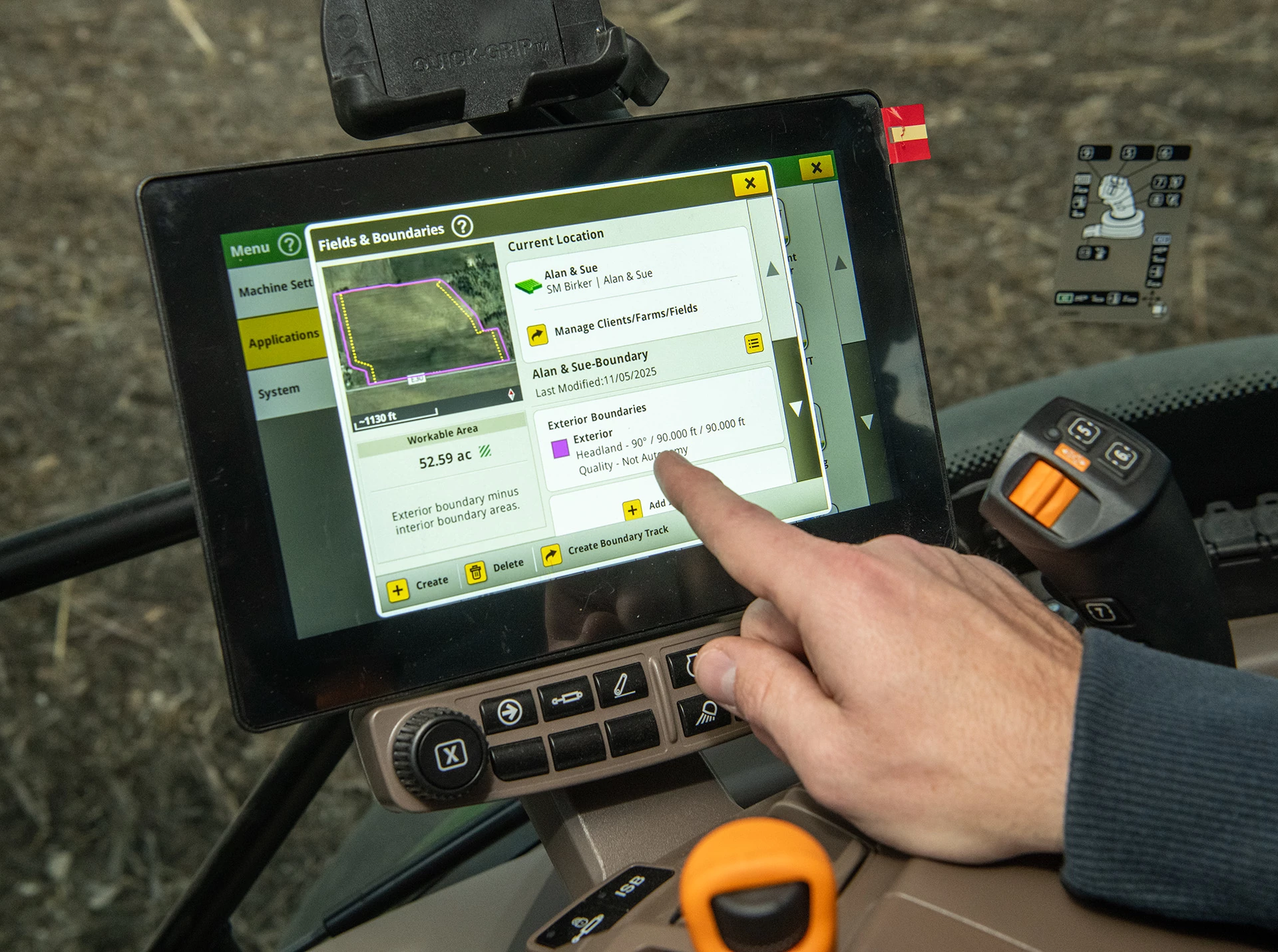
Because AutoPath™ (Boundaries) records previously driven tracks, it’s already set for subsequent passes. In just three simple steps, you can pull up your guidance plan and use it all season long for seeding, spraying, and even harvesting small grains.
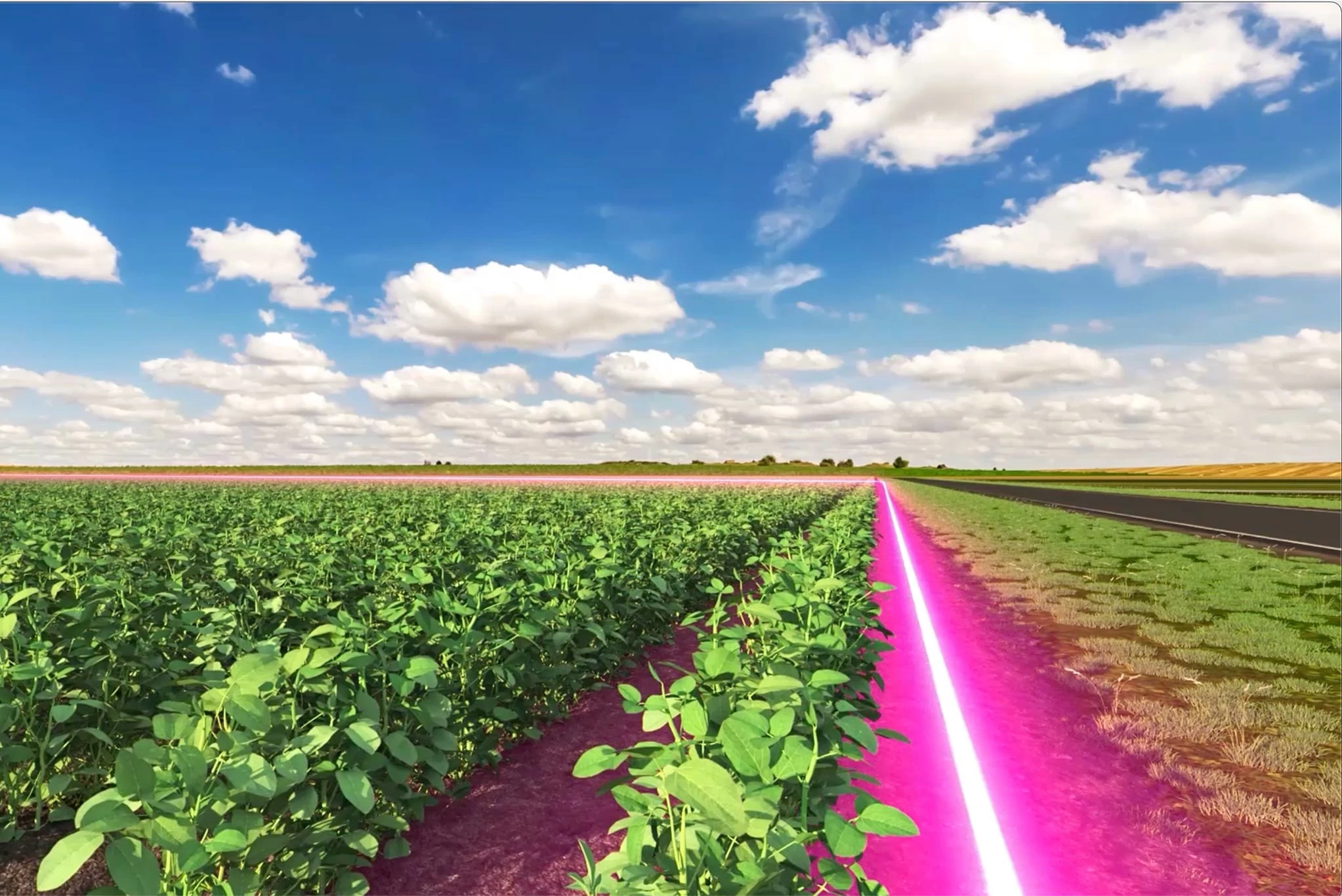
Got less experienced team members working your fields? AutoPath™ (Boundaries) gives you more confidence that every pass is just as you intended, not matter who’s in the cab. No more swapping and managing multiple guidance tracks.
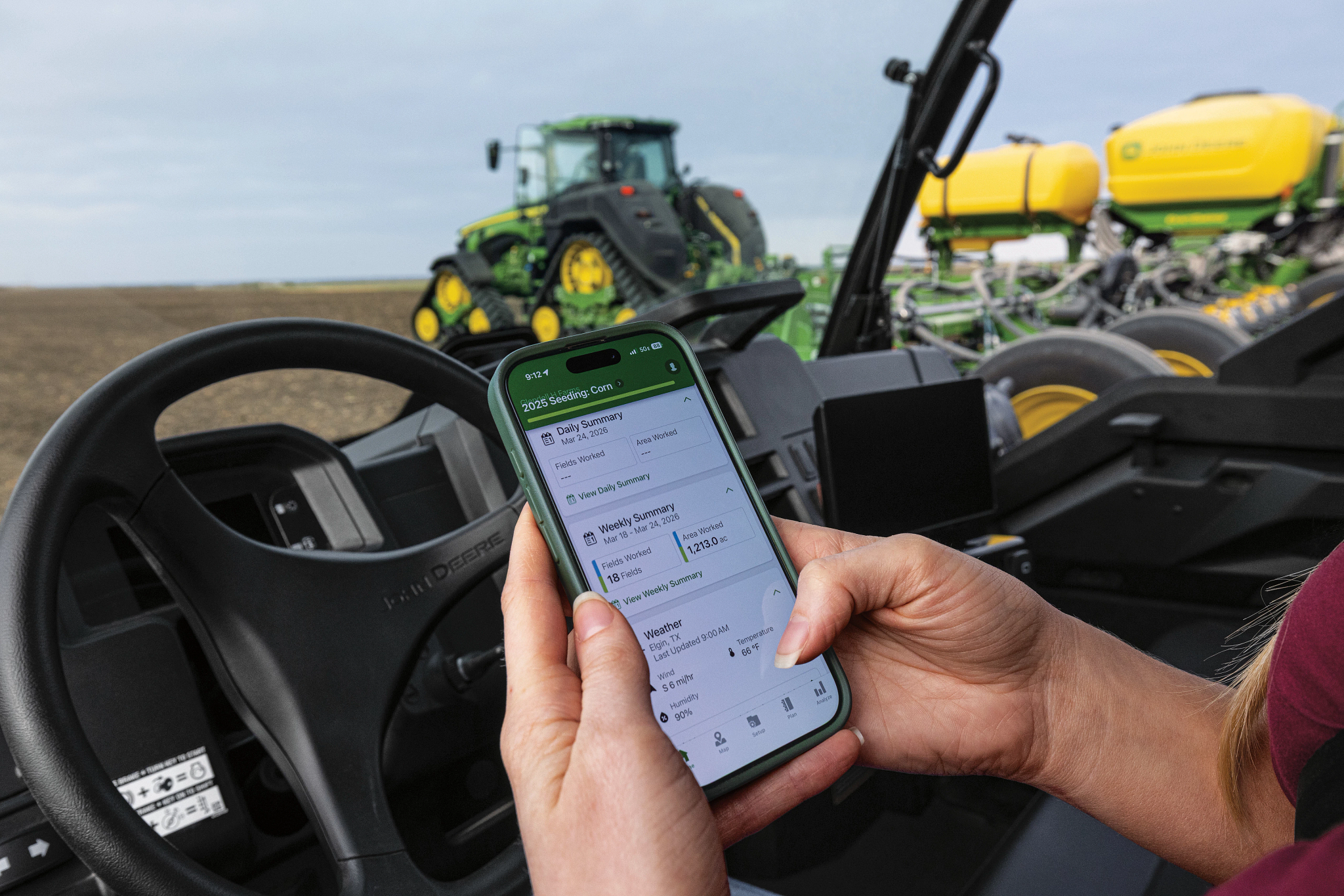
AutoPath™ (Boundaries) gives you more flexibility to try precision farming practices you may not have considered before, like precisely inter-row seeding between last year’s rows. Or planting cover crops to optimize emergence and crop establishment.